Set & Burn
Interval timer for rounds and sets
Set your work and rest, then follow the signals and voice through rounds and sets
01
One workout, your shape
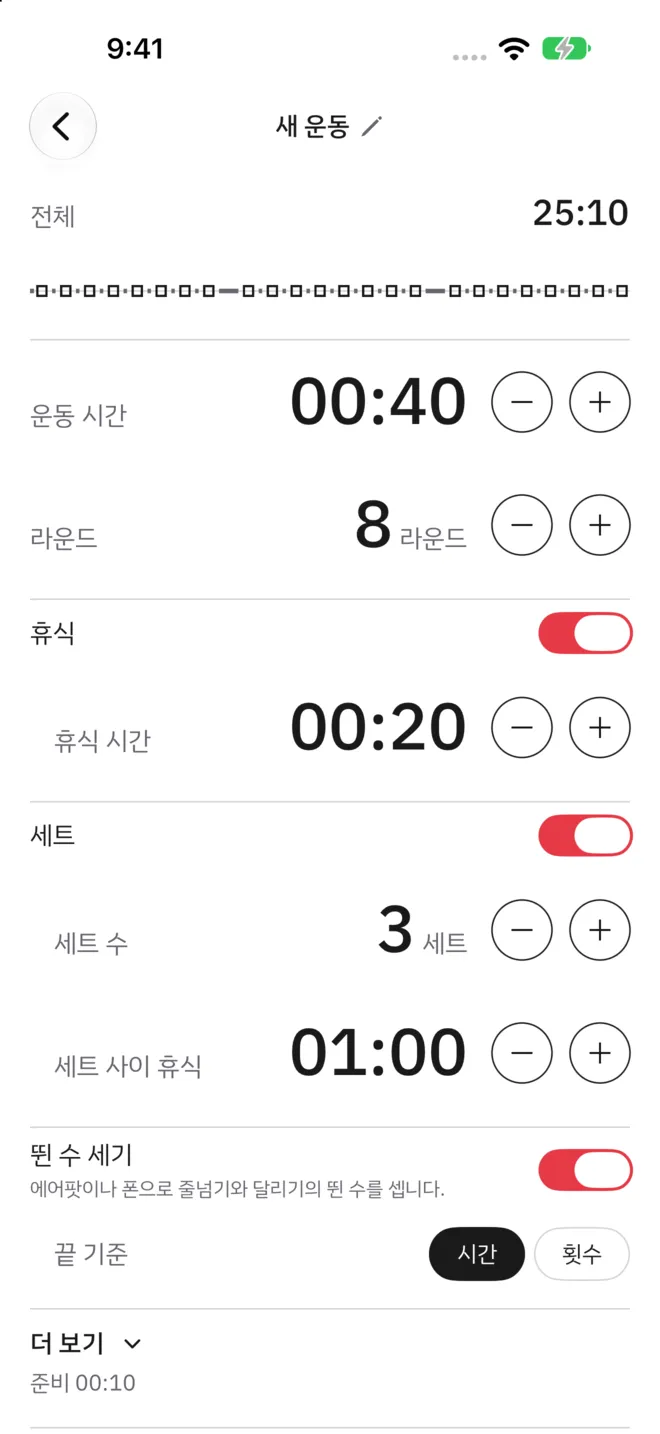
Set the work time and rounds, then shape the workout with three switches: rest, sets and rep counting. You can add a warm-up and a cooldown too. The total time and the order of segments show at the top of the edit screen.
- Work time and rounds
- Rest between rounds, and sets
- Warm-up and cooldown
02
It counts your reps
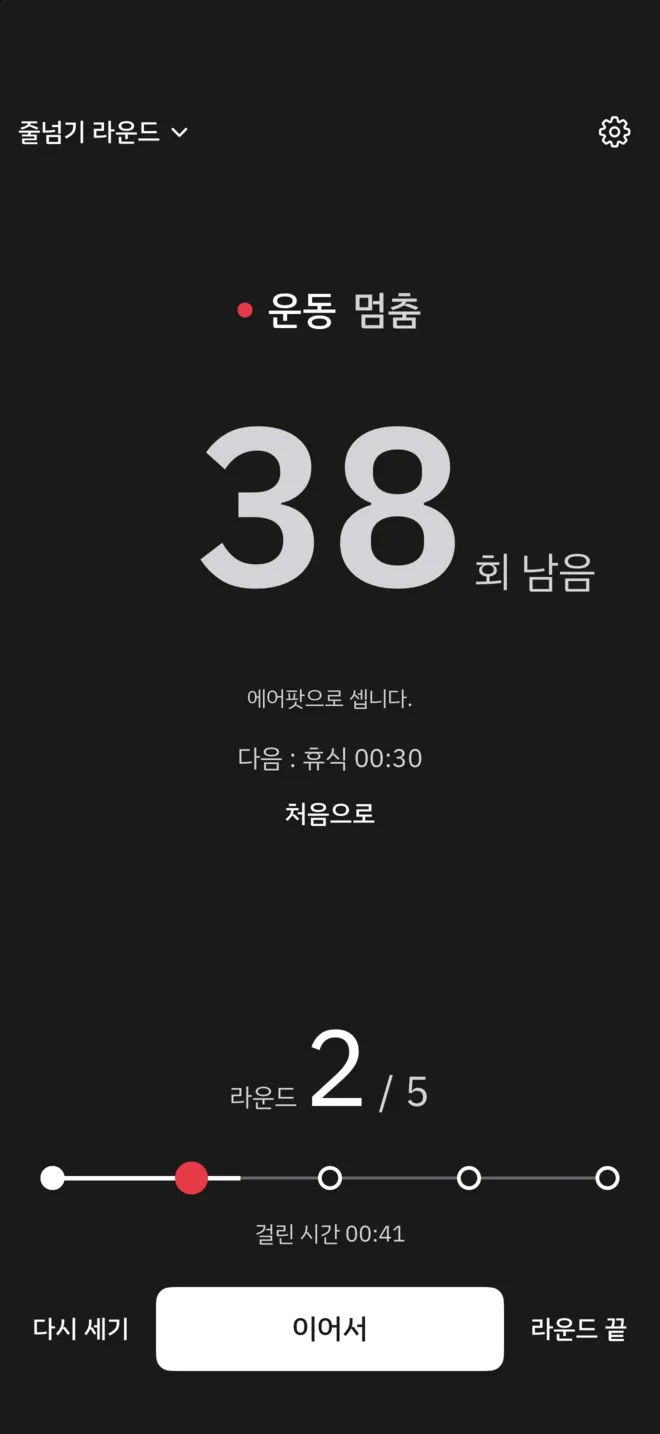
With rep counting on, the motion of your AirPods or iPhone counts jump rope jumps and running steps. The app chooses which one to count with. Set the end rule to a count, and a round ends only when you reach its number.
- Jump rope jumps and running steps
- Rounds that end by time or by count
- AirPods with motion sensors, or iPhone
03
Without watching the screen
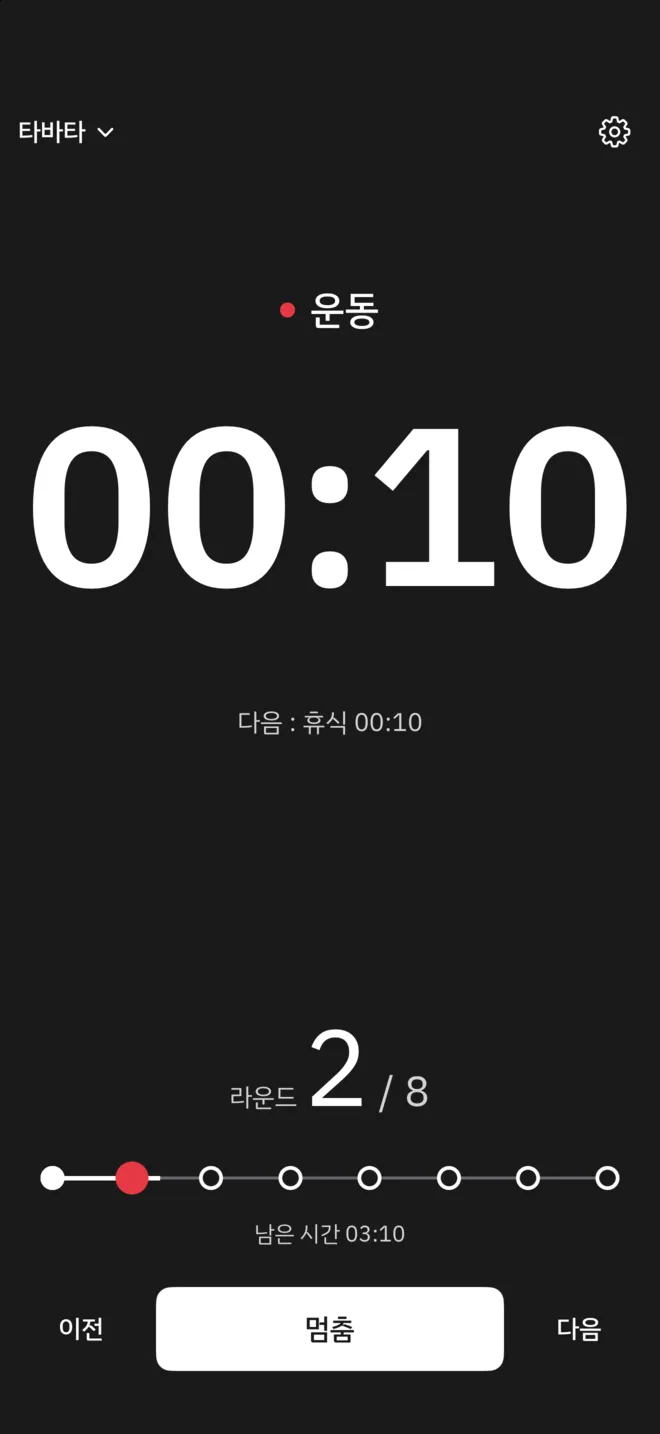
Each change between work and rest comes with a sound and a voice, and rounds and sets are counted for you. The clock keeps going with the screen off. Music you are listening to keeps playing alongside.
- Segment signals and voice cues
- A clock that runs with the screen off
- Plays alongside your music
04
Segments you can read from afar
The screen inverts during work and returns to normal during rest. Light and dark appearance, portrait and landscape are supported. Time in work segments adds up in one running total.
- No account
- Portrait and landscape
- Light and dark
Set & Burn Pro
Make more workouts,
turn ads off
- No limit on workouts (1 to begin with)
- Banner ads off on the finish screen and workout list
- Family Sharing
Support
Questions and contact details are on the support page.