SpecTable
Know specs. Make the choice.
Put the official specs of two products side by side and see only what differs
01
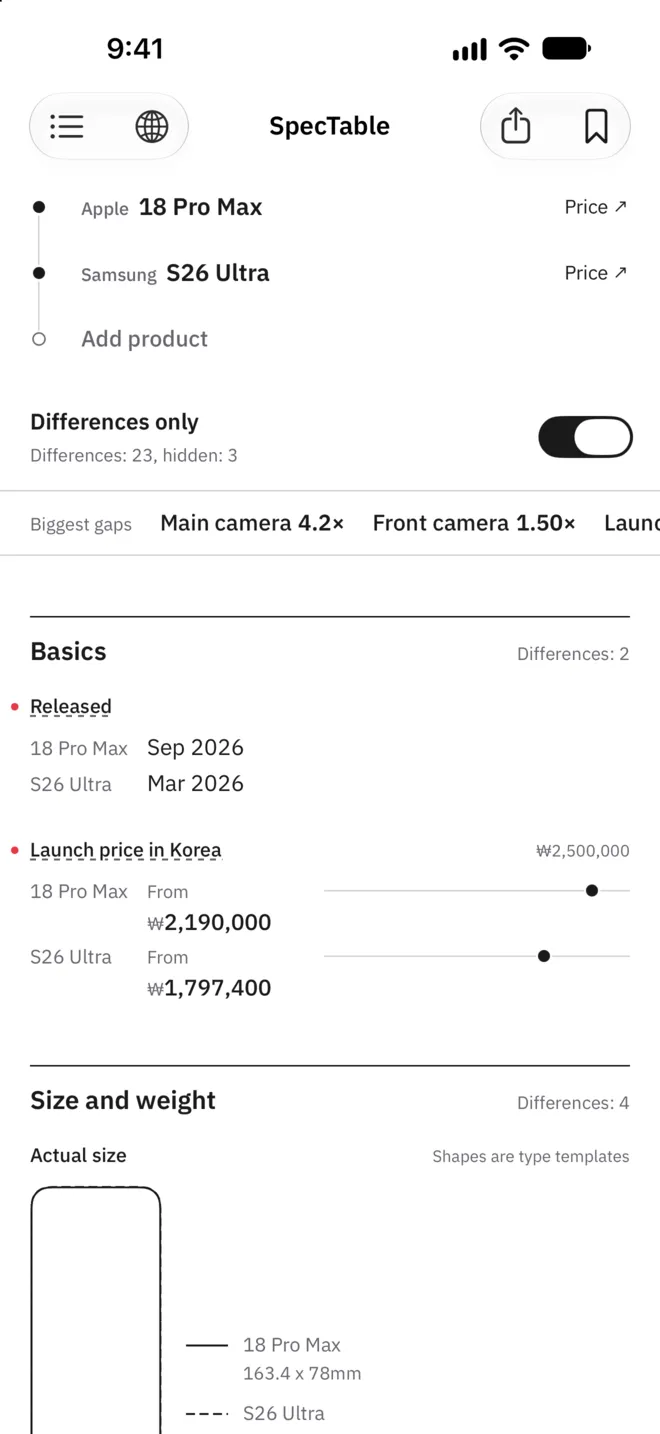
Only what differs
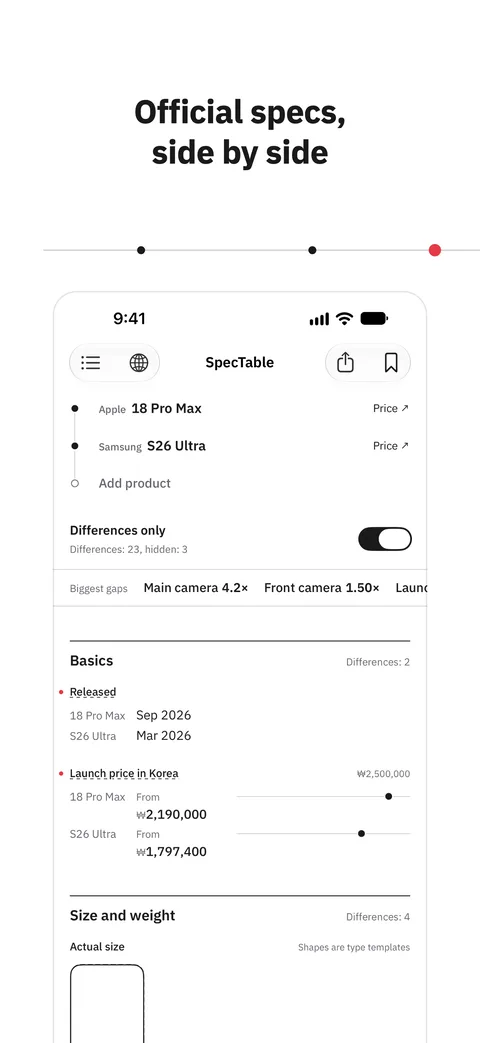
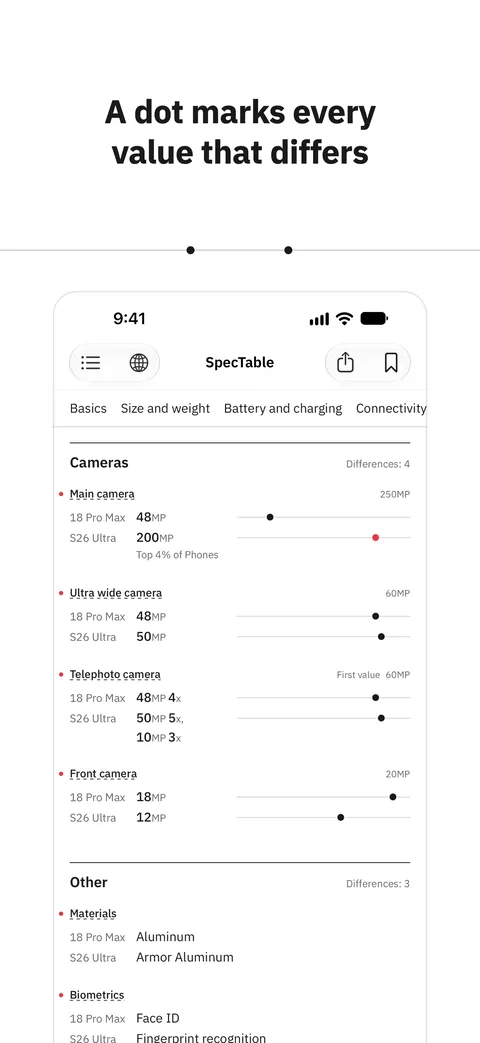
Pick two products and their official specs sit side by side, with matching values folded away. A dot marks each row that differs, and you can jump straight to the biggest gaps. Numbers sit on the same scale. You can compare up to 5 products.
- Only the rows that differ
- A jump to the biggest gaps
- Numbers on one scale
02
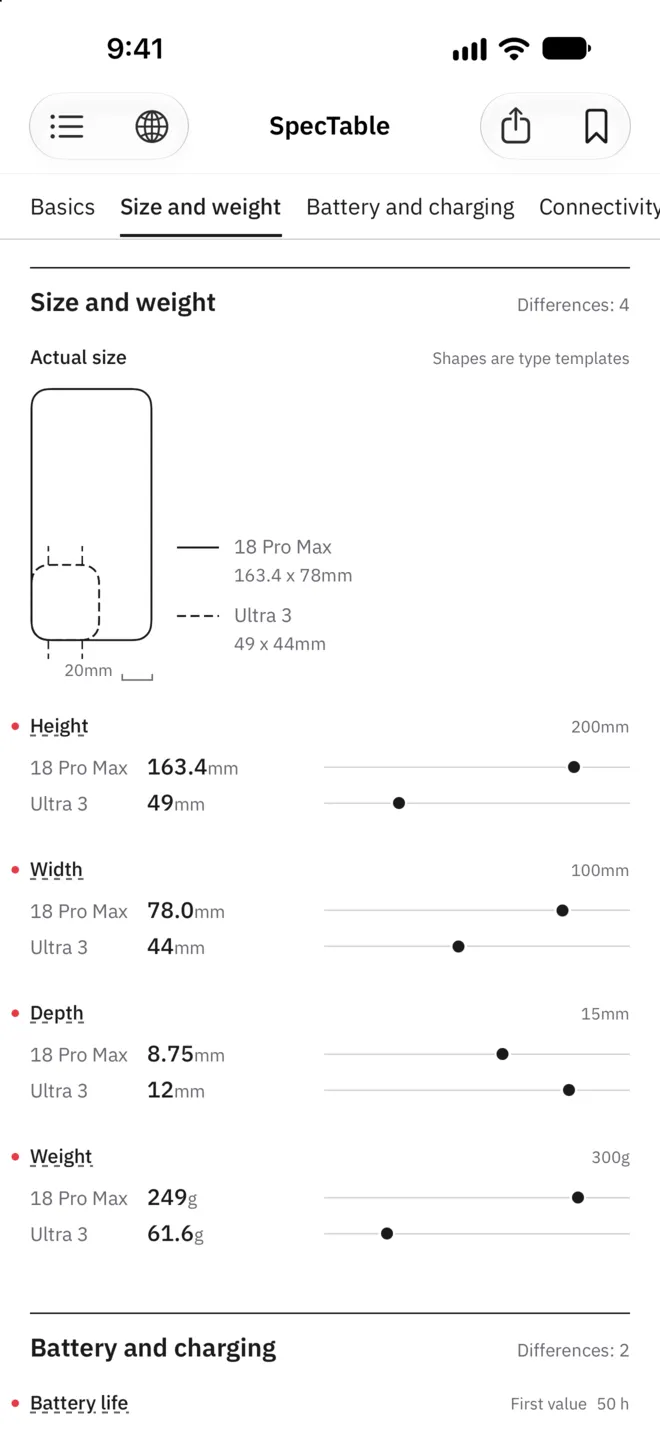
Sizes at one scale
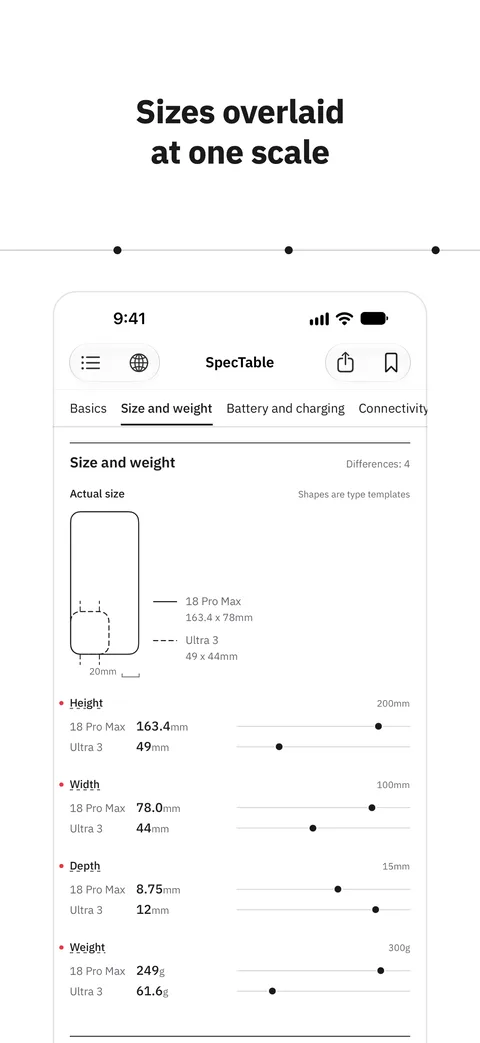
Height and width from the maker overlay at one scale, so sizes compare at a glance. Shapes are type templates. Products of different kinds can share a table, and rows they have in common, such as size and weight, compare row by row. Values in the top 10% of their kind are marked.
- Sizes overlaid at one scale
- Comparison across kinds
- A mark for the top 10% of a kind
03
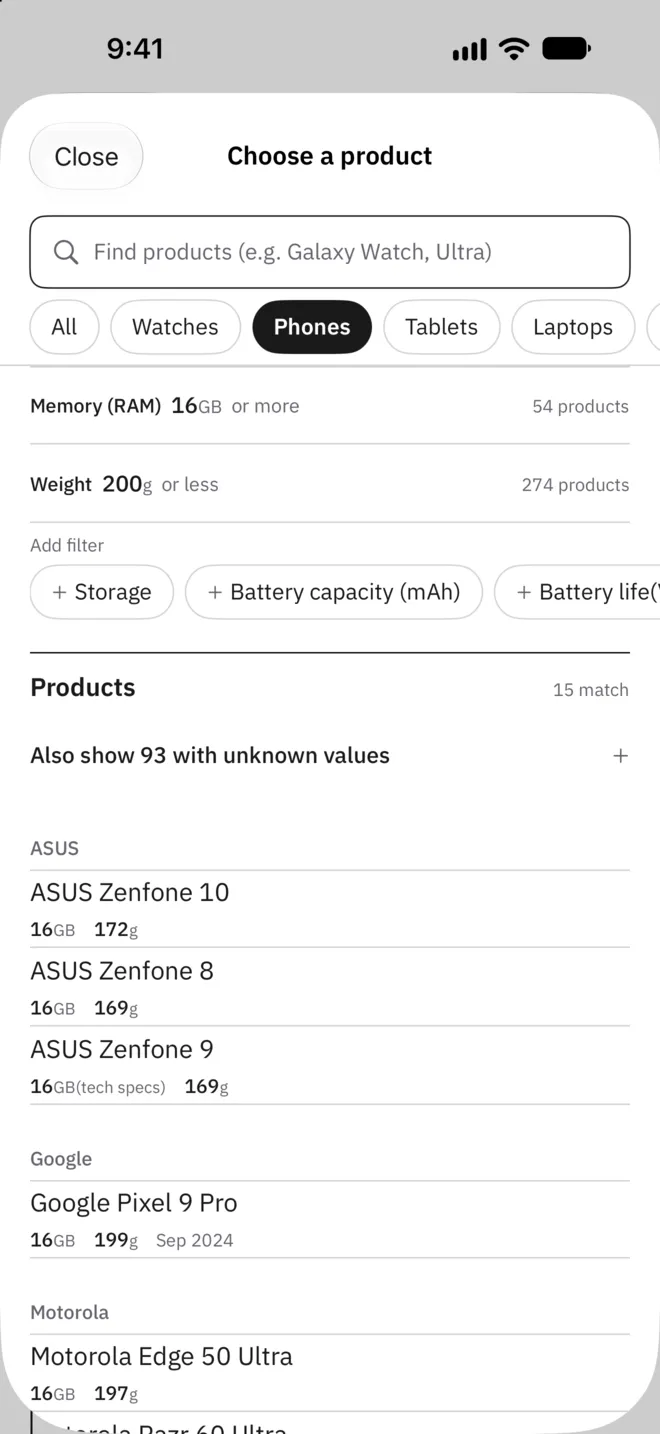
Find by numbers
Choose a kind and set limits on number rows, such as memory of 16 GB or more and weight of 200 g or less, and only matching products stay. Search also takes short names and nicknames.
- Several number filters
- Search by short name or nickname
- Products by kind
04
Save and share
Save the comparisons you return to as combos. Turn a comparison into an image to share.
- Saved combos
- Table image sharing
05
Values and sources
Over 3,000 products in 16 kinds, including phones, watches, laptops, earbuds and monitors. Values come from specs the makers publish, and the sources are shown with them. Anything unconfirmed stays marked as no info. SpecTable is not affiliated with any manufacturer, and trademarks belong to their owners.
- No account
- 16 kinds
- A source for each product
Support
Questions and contact details are on the support page.