Readride
Novels and news, word by word
Readride shows what you read a word or two at a time in one spot, so your eyes stay still. Novels, news, essays, PDFs, and ePubs, cleaned up first and read to the end.
01
See what was taken out
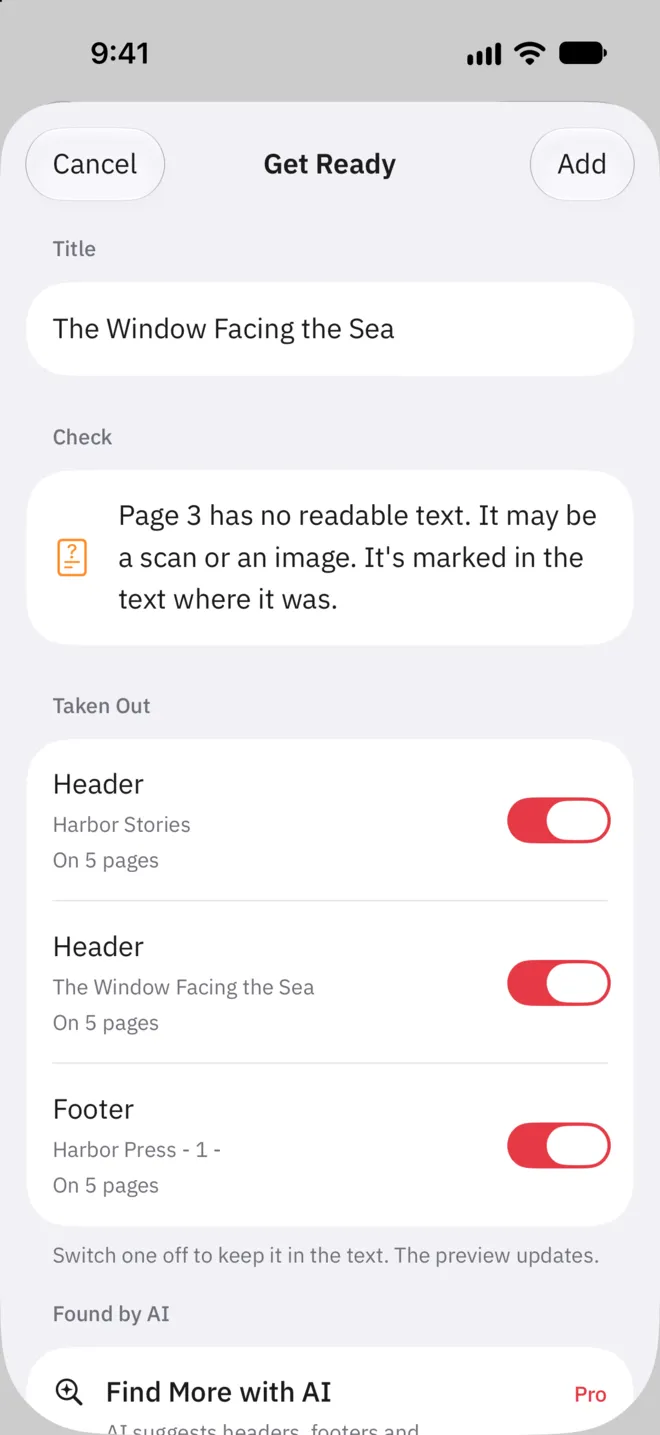
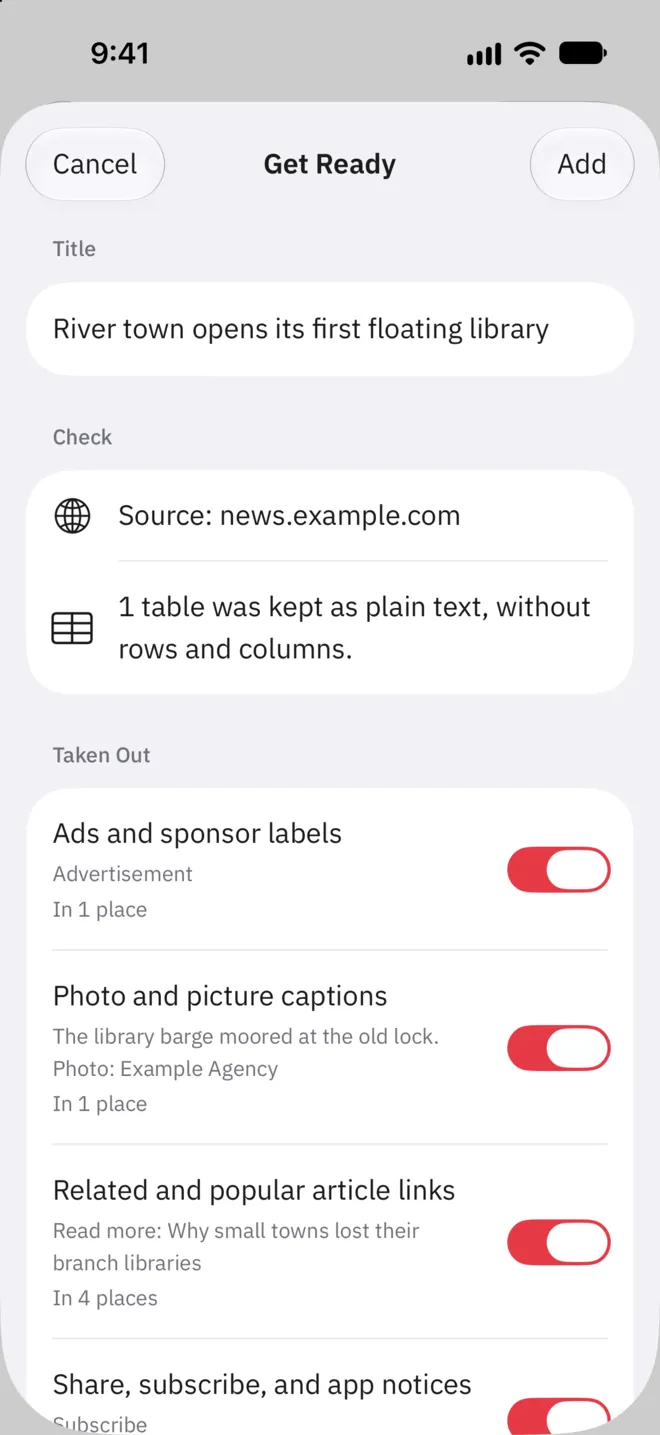
When you add something to read, Readride tidies it first. It takes out PDF headers and page numbers, and the ads and related-link lists around web articles, and joins lines broken in the middle of a sentence. Get Ready lists everything it took out, and you can put any of it back.
- Headers, footers, and page numbers taken out
- Lines broken mid-sentence joined
- Anything taken out can go back
02
Read in one spot. Pause to see the page around it.
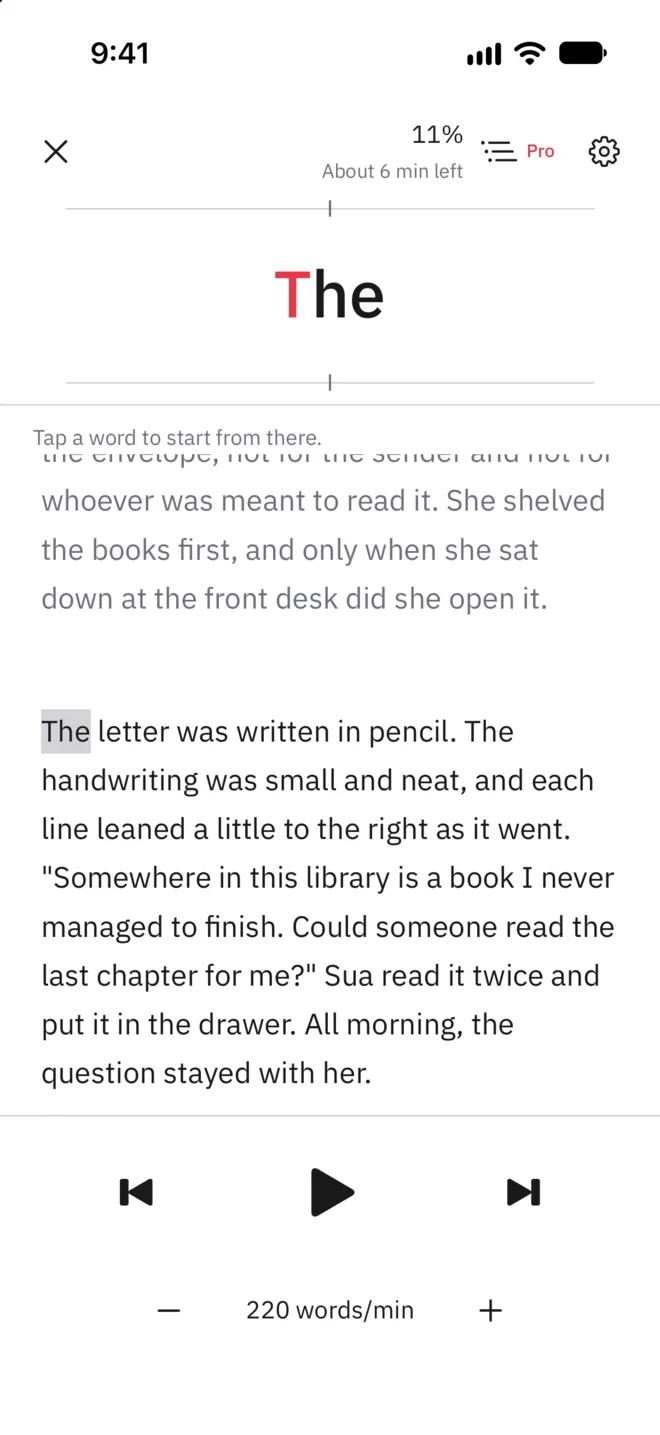
The words appear one or two at a time in the same spot in the middle of the screen, with short pauses at commas and at the ends of sentences. Pause, and the text before and after your place opens up. Tap any word there to go on from that word.
- A word or two at a time, in one spot
- The text around your place when you pause
- Tap a word to go on from there
03
Articles from Safari, and the files you have
Share an article from Safari to Readride, and it pulls out the article text and opens it in Get Ready. Text files (txt and md), PDFs, DRM-free ePubs, and pasted text work too.
- Articles shared from Safari
- txt, md, PDF, and DRM-free ePub
- Pasted text
04
Your place and your pace
Readride saves where you paused or closed as a character position in the tidied text, so changing the text size doesn't lose your place. Choose a speed from 100 to 600 words a minute, and one of five pause lengths for commas and the ends of sentences.
- Your place, kept to the character
- 100 to 600 words a minute
- Five pause lengths
- Adjustable text size
Readride Pro
Keep every document,
and see long ones on a map
- No limit on documents (3 to begin with)
- A ZIP of text files as one document
- Document Map, and the section you're in above the words
- Find More with AI, on supported iPhones
Support
Questions and contact details are on the support page.