BrushWorks
Filled with care, not talent
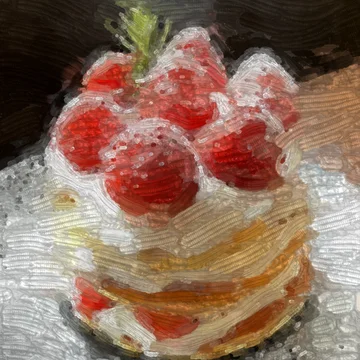
Pick a photo you like and rub the screen. You do not have to draw well; the canvas fills with the time you put in.
01
The color comes from the photo
There is no palette. Rub the screen and BrushWorks reads the photo at that exact spot, then lays that color down as paint. All you choose is a brush and a size.
- Color lifted from the spot you rub
- Paint with visible thickness
- Eye button to check the original photo
- GlazeSheer color that mixes as it layers
- BristleStreaks that follow your stroke
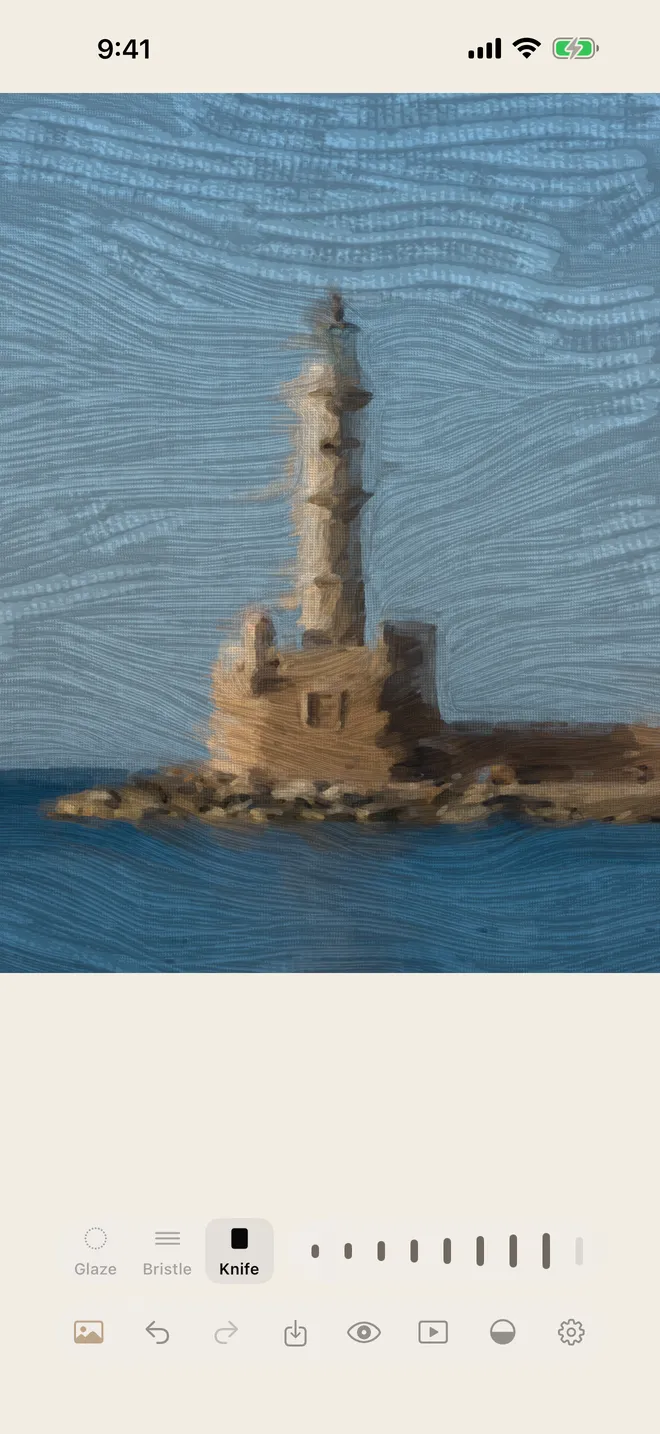
- KnifeThick paint with a wet sheen
Brush size9 steps
Underlay strength5 steps
02
Three brushes
Pick a brush and change its size as you work. Paint over a spot and the last brush through leaves its grain. Turn down Underlay strength and the photo fades; at the lowest step, Blind mode, it is hidden.
- Glaze, Bristle and Knife
- Brush size in 9 steps
- Underlay strength in 5 steps
03
Every stroke on record
Every dab is recorded. Replay plays the painting back from the start, and Time-lapse turns it into a short video.
- Replay at 0.25×, 0.5×, 1×, 2× or 4×
- Vertical 9:16 time-lapse video
- A record of dabs and time painted
04
Paint without signing up
Open the app, pick a photo and start painting. There is no account to create and nothing to sign in to.
- No account
- No sign-in
- Works offline
Support
Questions and contact details are on the support page.